How to post youtube video?
(1) Right click the youtube video, a context menu will show like below:  Then you have two choices:(a)Copy video URL;(b)Copy embed code; (2) Copy video URL: You will have a video URL like:https://youtu.be/euDuSZUBL1U then click 'Insert/edit Video' button as below: 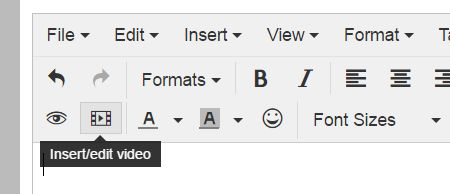 Then insert the URL as shown: 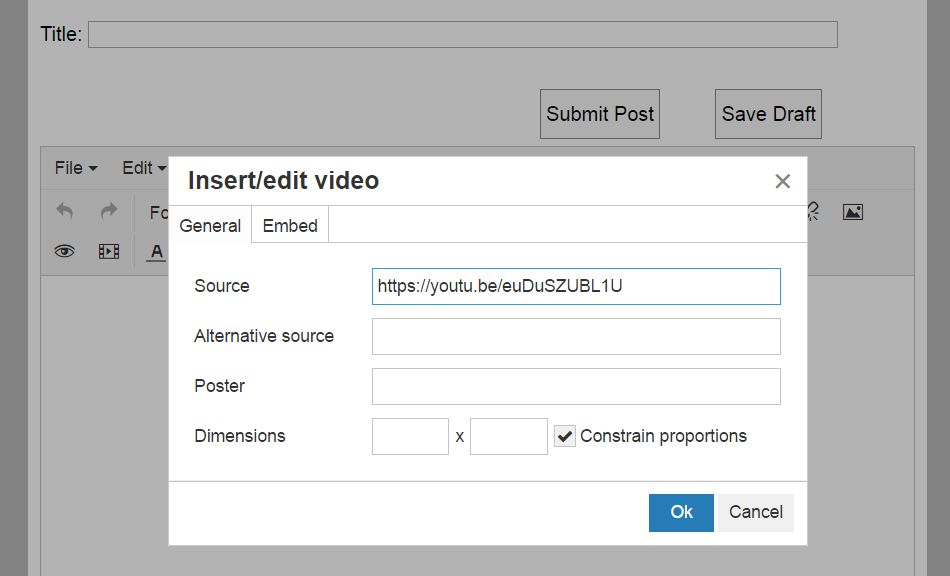 Dimensions are optional. It is better to input the dimensions as 640x360. Click 'Ok', you are all done. (3) Copy embed code: You will have embed code like: <iframe width="854" height="480" src="https://www.youtube.com/embed/euDuSZUBL1U" frameborder="0" allowfullscreen></iframe> then click 'Insert/edit Video' button as below: Click 'Embed', a window show up like below: 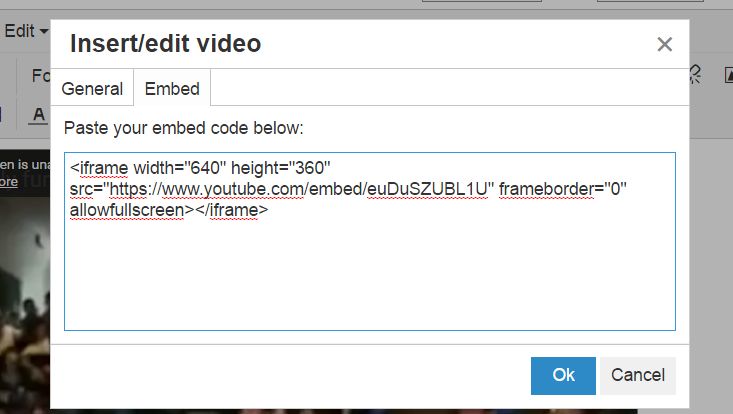 Then paste the code inside the input box. It is better to change the width to 640 and height to 360 to fit in our forum. Then click 'Ok' you are all done. ---------------- Signature: Website moderator. Feel free to contact me. Reply |